How to Package Your Creative Leadership Knowledge Into AI Skills (And Why it's Worth the Effort)

I've been leading creative teams for over a decade. In that time, I've developed opinions about everything: how to write a brief that actually gets good work, how to apply brand standards without killing creativity, how to talk to executives versus engineers versus sales teams about the same project.
Most of that knowledge just lives in my head. Some of it lives in Google Docs that nobody reads.
A couple months ago, I spent time packaging this into Claude Skills. I'd been working with AI for years at this point (generating video content, building interactive campaigns, that kind of thing). But Skills felt different. Instead of asking AI to create something new, I was teaching it to replicate how I think about process and evaluation.
It's a totally different kind of leverage, and the results were better than I expected. Not so much that it worked (I expected that), but how much of the tedious, time-consuming work it could actually handle. Logo spacing checks that normally eat up 30 minutes apiece. Hunting through scattered Slack threads and email chains to find information for creative briefs. Writing developer handoff specs that take longer to document than the design took to create. All those "creative" tasks that require zero creativity but consume hours of time.
"Skills," if you haven't run into them yet, are basically instruction sets you create once, and Claude loads automatically when it's relevant. You're teaching Claude your specific processes, frameworks, and standards. You explain how you do something in detail, save it as a Skill, and from then on Claude applies that methodology without you needing to re-explain it every single time.
For creative leaders specifically, this solves a problem we don't really talk about enough. A lot of our time gets eaten by work that doesn't actually require our expertise. For all the stuff I just mentioned, Skills let you offload that work so you can focus on what actually requires your decades of experience.
Why This Matters Now
Every creative leader I know is dealing with some version of the same situation: Teams are leaner. Timelines are shorter. Expectations haven't changed (and in some cases have gotten bigger). You're supposed to maintain creative excellence while also moving faster, collaborating across more functions, and doing more with even less money and headcount than you had last year.
AI won't replace your creative judgment. I'm genuinely not interested in that use case. What it can do is handle the checklist work, the information gathering, the documentation generation. The stuff that has to get done but doesn't need a senior creative leader spending their time on it.
The specific advantage of Skills over "basic AI" is that instead of hoping Claude happens to know good creative process on its own, you're actually teaching it your creative process. And the difference is substantial.
What I've Actually Built (And What Worked)
Here are the Skills I've currently built and actually use, along with what they do (instructions on how to build your own similar Skills is further down in the article):
Brand Compliance Checker
This is the one that saves me the most time. Hands down. It automates all the tedious, objective checks that eat hours during design reviews. Especially when you're working with external vendors or contractors who don't know your guidelines that well (or at all, in some cases).
What it checks automatically:
Logo size and spacing (minimum dimensions, clear space requirements)
Color codes (correct hex/RGB/CMYK values)
Font usage (correct typefaces, weights, sizes)
Brand element relationships (like when you have partner logos and there are specific rules about how they relate to each other)
Technical stuff (file formats, resolution, color space)
What it flags for me to review:
Potential tone mismatches ("The headline feels more formal than your typical conversational approach")
Communication goal conflicts ("The CTA says 'Learn More' but the body copy is driving toward immediate signup")
Strategic concerns ("This focuses heavily on features but the brief emphasized emotional benefits")
Hierarchy questions ("The secondary message is getting more visual weight than the primary value proposition")
How I actually work with it:
I upload a design. Claude runs through the objective checks first and flags any violations with specific explanations. Logo width is 42px but minimum spec is 50px. Color is #1A2B3D but brand primary blue is #1A2B3C.
Then it gives me a summary of the subjective stuff. Tone appears more technical and formal than typical brand voice. Primary CTA emphasizes exploration while body copy builds urgency for conversion. Consider whether message strategy and desired action are aligned.
I still review everything myself. But instead of spending 60-90 minutes measuring spacing and checking color codes, I spend maybe 15 minutes confirming Claude caught everything. Then I can spend 30-45 minutes on the actual strategic feedback about hierarchy, messaging and creative execution.
What this replaced:
The absolutely soul-crushing work of marking up vendor designs with 47 comments that all essentially say "follow the brand guidelines correctly." I've spent entire afternoons, sometimes multiple days, doing nothing but measuring pixel dimensions and flagging incorrect fonts. That work still happens, but now AI is doing most of it for me.
More importantly, it prevents guideline violations from slipping through when I'm rushed or focused on bigger strategic issues. When violations slide by, it creates precedent. Suddenly guidelines become "suggestions" and brand consistency starts to erode. This Skill catches things I might miss when I'm moving fast.
Creative Brief Information Gatherer
Writing a good creative brief is part detective work, part synthesis, and part translation. One of the more time-consuming tasks is gathering all the scattered information needed to turn stakeholder input into something creatives can actually work with.
That's where this Skill comes into play. It handles the information gathering and creates a preliminary outline that I can refine from there.
If you were expecting a "Creative Brief Generator," this ain't it, my friends… I choose the words in that subhead you read a second ago very specifically. This is purely for gathering the information that's needed for a real human to write the actual brief. There's some stuff that AI just can't replicate. Use the robots for what they do well and leave the rest to us humans.
What it does:
I point it at the project folder (Slack threads, strategy docs, previous campaign learnings, stakeholder emails… whatever exists, really) and it pulls out things like:
Who's the target audience, with all the supporting details from multiple sources
What they currently believe (synthesized from research docs and past campaign data)
What we want them to believe instead (extracted from strategy documents)
Success metrics and KPIs (gathered from project briefs and stakeholder input)
Constraints and requirements (timeline, budget, technical limitations, deliverable specs)
Links to all the reference materials and supporting documentation
What it flags:
Information gaps ("No clear success metric found in source materials")
Conflicting objectives ("Strategy doc emphasizes brand awareness but stakeholder emails focus on conversion")
Missing context ("No data on past performance of similar campaigns")
How I actually work with it:
Instead of spending hours hunting through 47 Slack messages, 12 Google Docs, and 23 email threads to find all the relevant information, I get a structured summary in about 20 minutes. Claude identifies what information exists, what's missing, and where things conflict and need to be resolved.
I still do the hard work. Translating all that input into "the single most important thing this needs to accomplish." Defining the real problem, not the multi-paragraph, 10-problems-for-the-price-of-one, problem statement by committee. It's judgment work that requires understanding the business context, the stakeholder dynamics, and what actually drives good creative work. But now, I'm not wasting cognitive energy on information scavenger hunts.
The stakeholder approval process still requires me as well. There's explanation, listening, persuasion, compromise and trust-building work. I'm helping stakeholders understand how and why I've translated their 30 bullet points into one concise strategic statement. That's inherently human work. But I'm having those conversations with a much more complete picture of what information exists and where the gaps are.
Inquisitive personalities abhor a vacuum. Without data to complete the gaps, questions are bound to arise. And not the good "what if we did [this] to make it even more strategically sound?" questions, but the "what if we made [the entire page] one big button?" ones. The ones that lead to missed deadlines and endless review cycles and work everyone looks back at and wonders "why?"
What this replaced:
The preliminary grunt work of brief development. The "wait, where did I see that audience insight?" and "which doc had the budget information?" or "didn't someone mention competitive context in that Slack thread three weeks ago?"
That kind of work now takes 30 minutes, instead of 3 hours. I can spend my energy on the actual brief development. The synthesis. The strategic framing. The translation of business objectives into creative direction.
Developer Handoff Documentation Generator
Designers create beautiful work. Then they spend hours writing technical documentation so developers can actually build it. This Skill handles that second part.
What it generates:
Component specifications (dimensions, spacing, padding, margins)
Interaction patterns (hover states, transitions, animations)
Responsive behavior (breakpoints, scaling rules, mobile adaptations)
Asset requirements (image formats, sizes, optimization specs)
Typography details (font stacks, sizes, line heights, letter spacing)
Color values (hex, RGB, CMYK for all brand and custom colors)
Accessibility requirements (contrast ratios, alt text guidance, ARIA labels)
How I work with it:
Designer finishes work in Figma. I upload the design file. Claude generates the handoff documentation following our specific format and technical standards. Designer reviews it for accuracy and completeness (maybe 15 minutes). Done.
The documentation is consistent across designers and projects because it follows the same template and includes the same level of detail every time. Developers aren't getting different formats depending on which designer they're working with.
What this replaced:
Designers spending 2 to 3 hours writing specs that are technically accurate but mind-numbingly boring to create. That time now goes to actual design work. Developers get consistent, complete documentation. Everyone's happier.
Production Requirements Synthesizer
This one prevents the "this looks amazing but won't work at 300x250" problem that haunts every other creative review in a modern marketing team today.
What it does:
Takes the full list of deliverable specifications for a campaign (all the banner sizes, social formats, email dimensions, landing page constraints, everything) and creates what I call an "executional brief." A guiding document that shows designers the boundaries before they start concepting.
What it includes:
Size constraints (smallest width, largest width, smallest height, largest height across all deliverables)
Color space requirements (RGB for digital and/or CMYK for print, any limitations on spot colors)
File format specifications (source files, final delivery formats, compression requirements)
Copy length limits (character counts for headlines, body copy, CTAs across all the different sizes)
Asset reuse opportunities (which creative elements need to work across multiple formats)
Technical constraints (animation limitations, file size caps, loading requirements)
How I work with it:
Before creative concepting starts, I run the deliverable specs through this Skill. It identifies the constraints that will impact design decisions. Not just the obvious ones (e.g. needs to work at both 160x600 and 728x90), but the less obvious ones too (e.g. CTAs need to work in both 20 characters and 40 characters across the full set).
Designers review this executional brief before they start concepting. They're designing within the actual constraints from the beginning, not discovering in round three that their beautiful concept doesn't scale to the smallest format.
What this replaced:
The painful "this concept is great but we need to redesign it because it won't work in half the required formats" conversation that happens in round two or three of review. Now those constraints are visible upfront. Designs that reach formal review are designs that can actually be produced across the full scope.
Stakeholder Communication Suite
I created three separate Skills for this because different audiences need fundamentally different information.
Executive Communication Skill: Leads with business impact and strategic implications. Includes metrics and ROI framing. Acknowledges risks and tradeoffs explicitly. Keeps creative process detail minimal unless it's specifically relevant to decisions they need to make.
Cross-Functional Partner Skill (Product, Engineering, Sales): Focuses on dependencies and integration points. Explains creative rationale in functional terms, not aesthetic terms. Anticipates common objections and addresses them before they come up. Includes enough process context that they understand timelines and why things take as long as they do.
Team Communication Skill: Provides creative rationale and strategic context. Explains the "why" behind decisions. Includes tactical next steps and clear ownership. Maintains the nuance that gets lost in executive summaries.
Each Skill includes examples of effective communication for that audience and common mistakes to avoid, like explaining color theory to a CFO (don't do it), or being too high-level with designers who actually need tactical, prescriptive direction.
How I work with it:
I draft one comprehensive update with all the information. Then I ask Claude to adapt it for each audience using the relevant Skill. Each stakeholder gets exactly what they need in the format they expect. I review and refine each version (usually just minor edits), but I'm not starting from scratch three times.
The cognitive load difference is significant. Instead of constantly shifting modes (executive mindset, then technical mindset, then team leadership mindset), I stay in one mode and let the Skills handle the translation.
What this replaced:
Drafting the same update three times manually. Or worse, sending one version to everyone and watching it satisfy nobody because executives want less detail and the team wants more context and cross-functional partners want different context entirely.
I'm currently seeking Director/VP-level creative leadership roles at established tech/SaaS companies. My background includes:
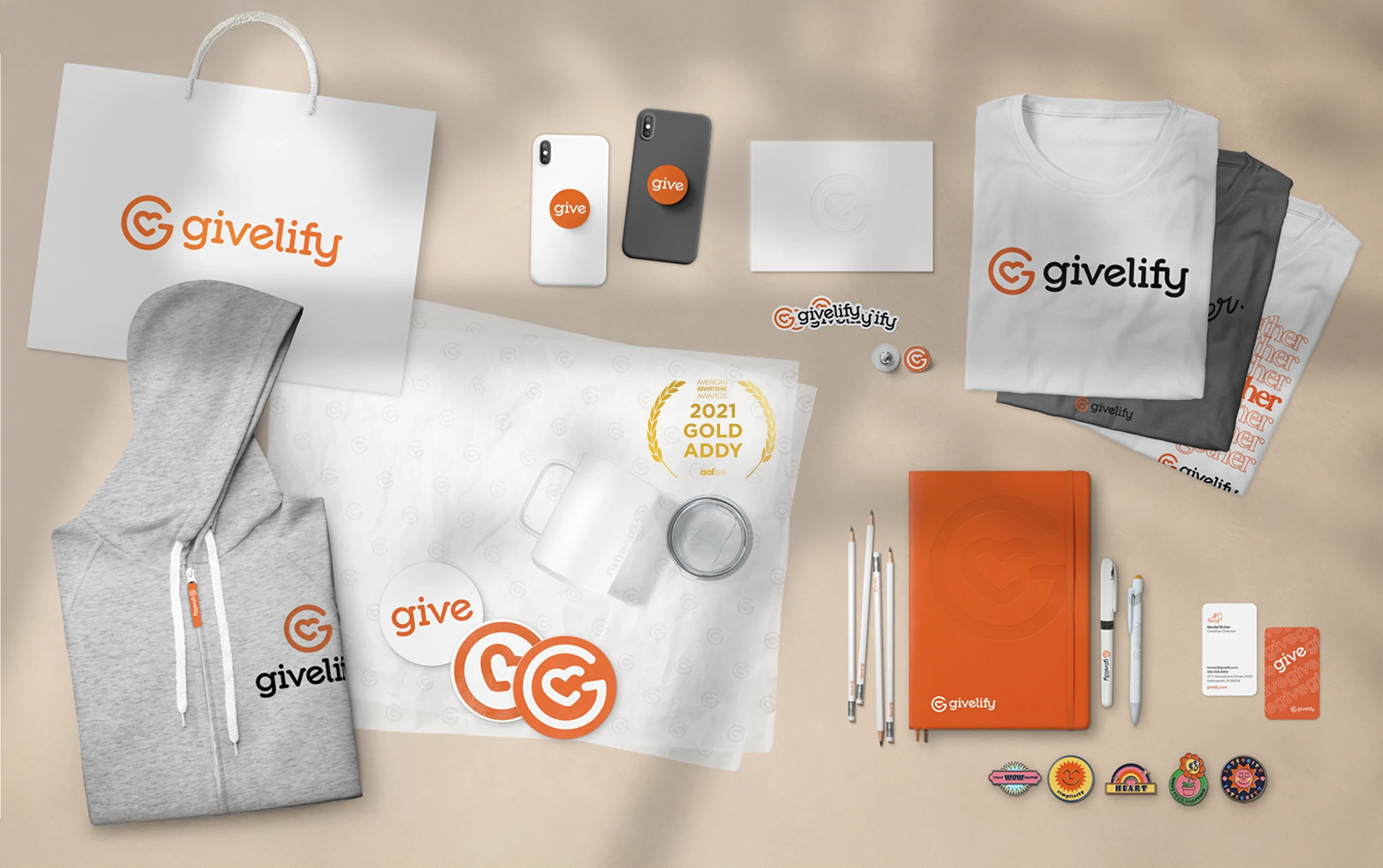
Brand Transformation: Led award-winning rebrand at Celigo (GDUSA, Gold ADDY recognition) that saved $500K+ on a single project
Creative Operations: Built systems that increased team output 238% while maintaining quality
Strategic Innovation: Developed AI-powered tools and data-informed processes that connect creative excellence to measurable business impact
View my portfolio or connect with me on LinkedIn if you'd like to chat about creative leadership, operational excellence, or how to build more research-informed creative teams.